
Scan WiFi QR Code from Camera
Scan WiFi QR Code Using Camera (Instant Password Detection)
Use your device camera to scan a WiFi QR code and instantly reveal the password and network details: no app required.
Works directly in your browser on Android, iPhone, Windows, and Mac.
Supports JPG · PNG · WebP · screenshot
Have a screenshot instead? → Scan WiFi QR code from screenshot
Want full WiFi details? → Decode WiFi QR code tool
Scan WiFi QR Code Without Taking Screenshot
- Best for live QR codes
- No need to upload images
- Point camera and scan instantly
- Works with blurry, inverted, or low-quality QR codes
- Multi-engine decoding for higher success rate
- Instant preview before decoding
- No app required – works in browser
What WIFI QR Scanner Does Better
Scan WiFi QR codes in real time using an advanced camera-based engine designed for accurate detection in challenging conditions. Unlike basic scanners such as ZXing or jsQR implementations, this tool uses dual processing techniques with dynamic scaling and inversion to detect QR codes even when they are low contrast, inverted, or partially damaged.
It continuously analyzes the live camera feed across multiple processing layers, improving recognition speed and accuracy so you can connect to WiFi instantly without retries.
It also identifies WI-FI QR formats and extracts structured details like SSID, password, and security type.
When to Use Camera Scanner
This tool is best when:
- The QR code is printed or displayed on another device
- You want to scan live QR codes quickly
- You have access to your device camera
- You need instant WiFi connection without uploading images
WiFi QR Code Scanner Online (No App Required)
You can scan WiFi QR codes directly in your browser without installing any app. This online WiFi QR scanner uses your device camera to detect and decode QR codes instantly.
Simply allow camera access and point your device at the QR code. The tool will automatically extract the WiFi network name, password, and security type.
Scan WiFi QR Code Online Free
This tool works completely online and is free to use. There is no need to download or install any software.
You can scan QR codes in real time using your camera and instantly view the WiFi credentials without leaving your browser.
WiFi QR Scanner Without App or Download
Unlike mobile apps, this scanner runs entirely in your browser. It works on Android, iPhone, Windows, and Mac devices without requiring installation.
This makes it useful for:
- Quick scanning without installing apps
- Using shared or restricted devices
- Accessing WiFi details instantly
Scan WiFi QR Code Without App
Most devices already have built-in scanners, but they often connect automatically without showing the password.
This tool allows you to scan WiFi QR codes and view the password, giving you full control over the network credentials instead of just connecting.
Scan WiFi QR Code Using Browser Camera
You can use your browser camera to scan QR codes directly. Once camera permission is granted, the tool continuously scans the video feed and detects QR codes in real time.
It supports:
- Printed QR codes
- Screens from another device
- Low contrast or inverted QR codes
If you already have a saved image, you can scan WiFi QR code from screenshot without using the camera.
To extract and view full credentials, use the WiFi QR code decoder for detailed results.
Frequently Asked Questions
Does this scanner show WiFi password?
Yes. It extracts SSID, password, and security type automatically.
What if the WIFI QR code is blurry or damaged?
The tool uses multiple decoding methods to improve detection.
Can I scan WiFi QR code using camera?
Yes. Simply allow camera access and point your device at the QR code.
Does this tool show WiFi password instantly?
Yes. Once the QR code is detected, the password appears immediately.
Do I need an app to scan WiFi QR code?
No. This tool works directly in your browser.
Can I scan WiFi QR code without camera?
Yes. Upload a screenshot instead using the
👉 scan WiFi QR code from screenshot tool.
Does it work on iPhone and Android?
Yes. Works on both mobile and desktop devices.
how to scan qr code wifi
Open your phone camera, point it at the QR code, and tap the popup to connect.
If nothing happens, your phone doesn’t support QR scanning use a QR scanner app or upload the image to an online tool.
Last reviewed: July 25, 2026. Camera access tested on Chrome for Android and Safari for iOS.
How camera scanning works
Camera frame → decode → WIFI:T:...;S:...;P:...;; → split into fieldsHow to scan a WiFi QR code
A WiFi QR code is not a link. It is a short line of text your device reads and turns into a set of connection instructions. Two things can happen when you point a camera at one: the phone offers to join the network, or it shows you the raw text. Both are normal, and both are useful.
- Using the camera. Open the scanner above and allow camera access. Hold the code so it fills roughly a third of the frame and keep it flat: a curved or angled label defeats the corner-finder patterns the format relies on.
- Using an image. If the code is on a screen, in a PDF, or in a photo you were sent, upload the file instead. No camera is involved and nothing is sent anywhere.
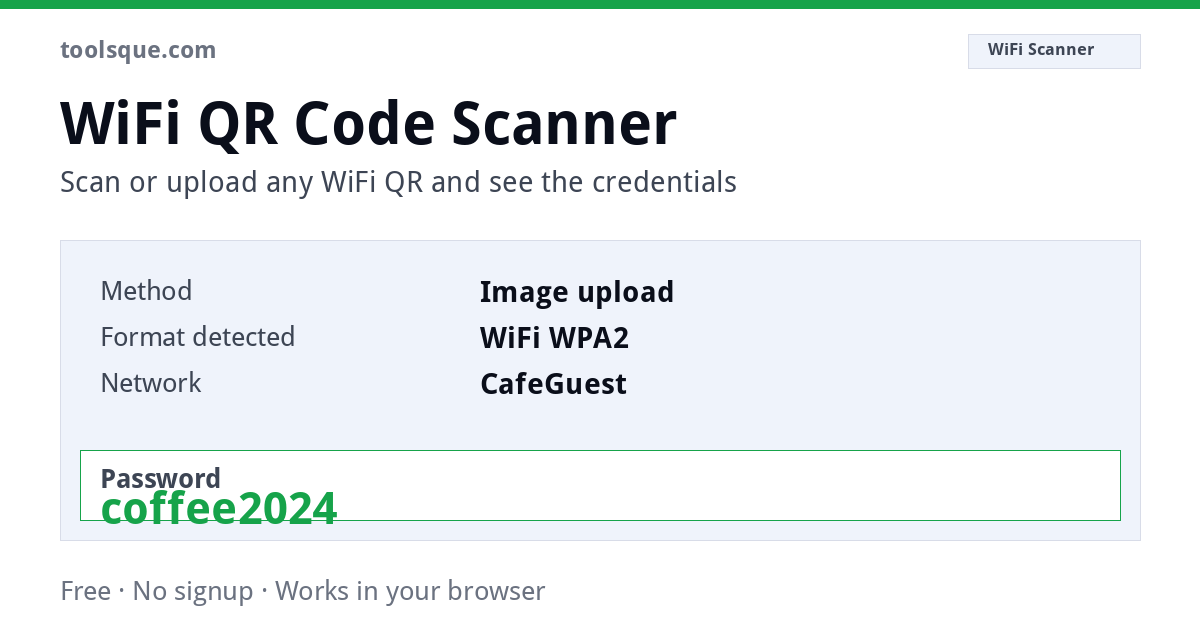
- Read the result. The network name and password appear as separate fields, so you can type them into a device that has no camera: a games console, a printer, a smart TV.
The whole thing runs in your browser. The image is decoded on your own device and the password never travels over the network.
Why your camera shows text instead of connecting
This is the single most common complaint about WiFi QR codes, and it is not a fault in the code. Android has supported automatic WiFi joining from a QR code since version 10. iOS supports it through the Camera app on iOS 11 and later. Outside those paths (a third-party scanner app, a desktop webcam, a browser-based reader) the software has no permission to change your network settings, so it does the only thing it can and shows you the text.
What you see looks like this:
WIFI:T:WPA;S:MyNetwork;P:hunter2;H:false;;
That is the correct, complete content of the code. Nothing is broken. You simply need the fields pulled apart, which is what the scanner above does automatically.
What each part of the scanned text means
| Field | Meaning | Notes |
|---|---|---|
T: | Security type | WPA covers WPA, WPA2 and WPA3. WEP is legacy. nopass means an open network. |
S: | Network name (SSID) | Case sensitive, exactly as broadcast. |
P: | Password | Omitted entirely on an open network. |
H: | Hidden network | true means the SSID is not broadcast and must be entered by hand. |
The two semicolons at the end are part of the format, not a typo. A code missing them will scan but may not be understood as a WiFi instruction.
This structure is a de-facto convention that came out of the ZXing project rather than a clause of the QR standard itself. ISO/IEC 18004 defines how the symbol stores characters; it says nothing about what those characters should mean. That is why an occasional router or label printer produces a string that reads perfectly but joins nothing.
Which WiFi tool you actually need
| Situation | Use |
|---|---|
| The code is in front of you, on paper or a screen | This scanner: camera or image upload |
You already have the WIFI:T: text and want it split up | WiFi QR decoder (paste text) |
| The code is inside a screenshot on the same phone | Scan a WiFi QR from a screenshot |
| You want to make a code for your own network | WiFi QR generator |
Cookies on Toolsque
The calculators work without cookies and nothing you type into them ever leaves your browser. Separately, we would like to use Google Analytics to see which tools get used, and Google AdSense to show ads. Both set cookies. They stay switched off unless you allow them. Privacy policy